

Summarize this article with AI
Two comparison articles researched for this piece each cite a "trillion links" figure for backlink index size, but they hand that exact number to different companies. One says Ahrefs has it. The other says Moz does. Neither cites a source or a date.
This guide checked current pricing directly against Ahrefs' and Moz's own pages, labeled every price as monthly or annual (one top-ranking article mixes the two without saying so), and named what neither company's marketing page will actually verify.
You'll get a fast answer first: which tool fits your budget and the job you're paying for. Then a full price breakdown, monthly and annual, tier by tier.
Quick answer: it depends on your budget and which job you're paying for
There's no single winner between Ahrefs and Moz. There's a right pick for your budget and the job you're paying a tool to do. Start here:
| Your situation | Look at this | Pick |
|---|---|---|
| Tightest budget, still need real keyword and backlink data | Entry tier | Moz Starter |
| Agency-scale competitor research, largest keyword database | Higher tier | Ahrefs Lite or above |
| Local SEO is part of the job | Dedicated local product | Moz, for Moz Local |
| Want to test the real paid product before spending anything | Free trial | Moz |
| Only need your own site's Search Console data | Free, own-site data | SEO Heatmap |
This isn't a "which tool wins" verdict. Ahrefs and Moz are priced for different scales of work. The sections below show what that price difference actually buys.
Why people search "Ahrefs vs. Moz"
The price gap between these two is real and large, but the two products aren't sized for the same job, which is easy to miss when skimming a price list alone.
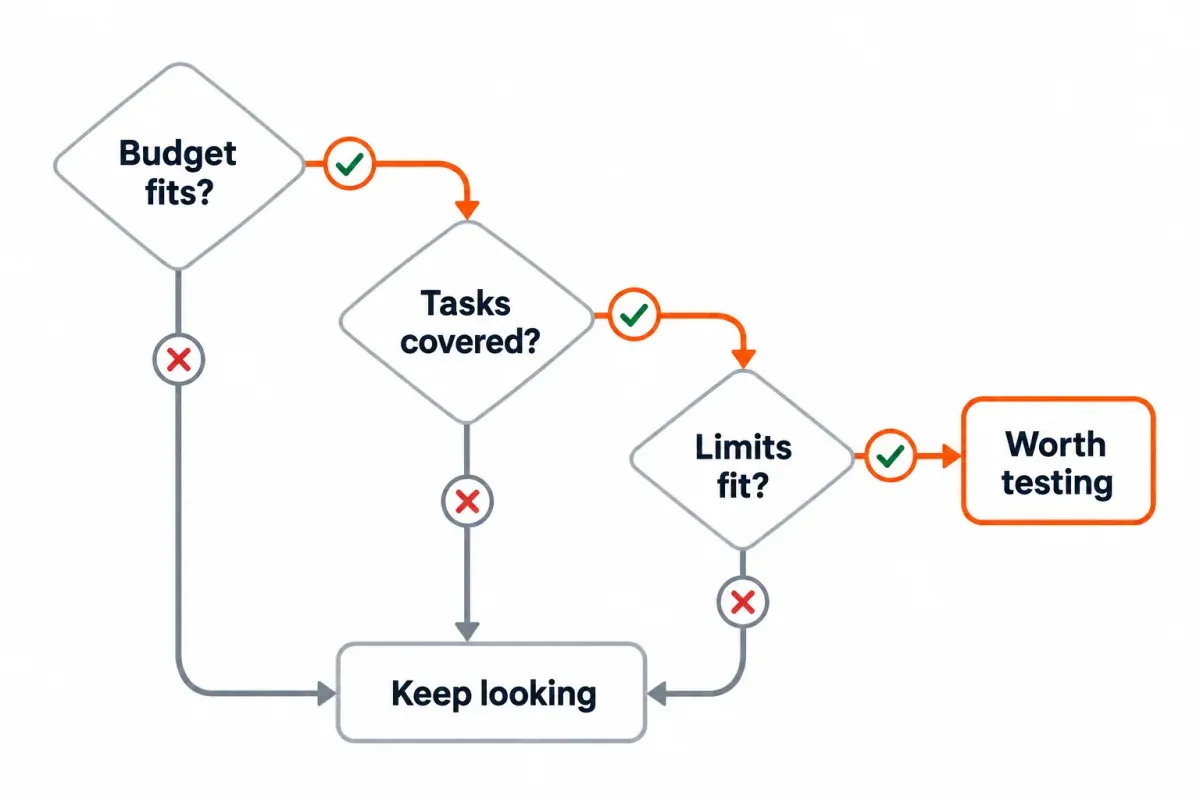
A few specific reasons drive most of the searches for this exact comparison:
- Budgeting for a first SEO tool and unsure which one justifies its price. The entry tiers sit far apart, and it's not obvious from a feature list alone what that gap buys.
- Already using one and wondering if the other is worth switching to. Usually triggered by hitting a limit (keyword database size, local SEO gaps, price at renewal).
- Trying to reconcile wildly different "best overall" verdicts across comparison sites. Some articles crown Ahrefs the clear winner, others favor Moz for value, and neither framing helps if your actual question is "what does my money buy."
Watch out: most comparisons quietly mix monthly and annual pricing
One top-ranking comparison for this exact keyword lists Moz's entry plan at $39 a month. Every other source reviewed for this piece lists it at $49 a month. Neither number is wrong. $49 a month is Moz's regular monthly-billed rate. $39 a month is the same plan's effective monthly cost when paid annually, a 20% discount baked into the yearly price. Without a billing cycle attached to that $39 figure, Moz looks cheaper than it would in a comparison of the monthly rates. The article never supplies that detail.
A price without its billing cycle leaves part of the answer out. Check monthly and annual rates before deciding the quoted number is wrong. This guide states both for every tier below.
Watch out: these two companies' own backlink-index sizes don't even agree across sources
Two comparison sites researched for this piece each cite a specific "trillion links" figure for backlink index size. One attributes 44.8 trillion links to Ahrefs and leaves Moz's index unspecified. The other attributes that exact same 44.8 trillion figure to Moz, and gives Ahrefs 35 trillion instead. Neither source cites where its number comes from or when it was measured.
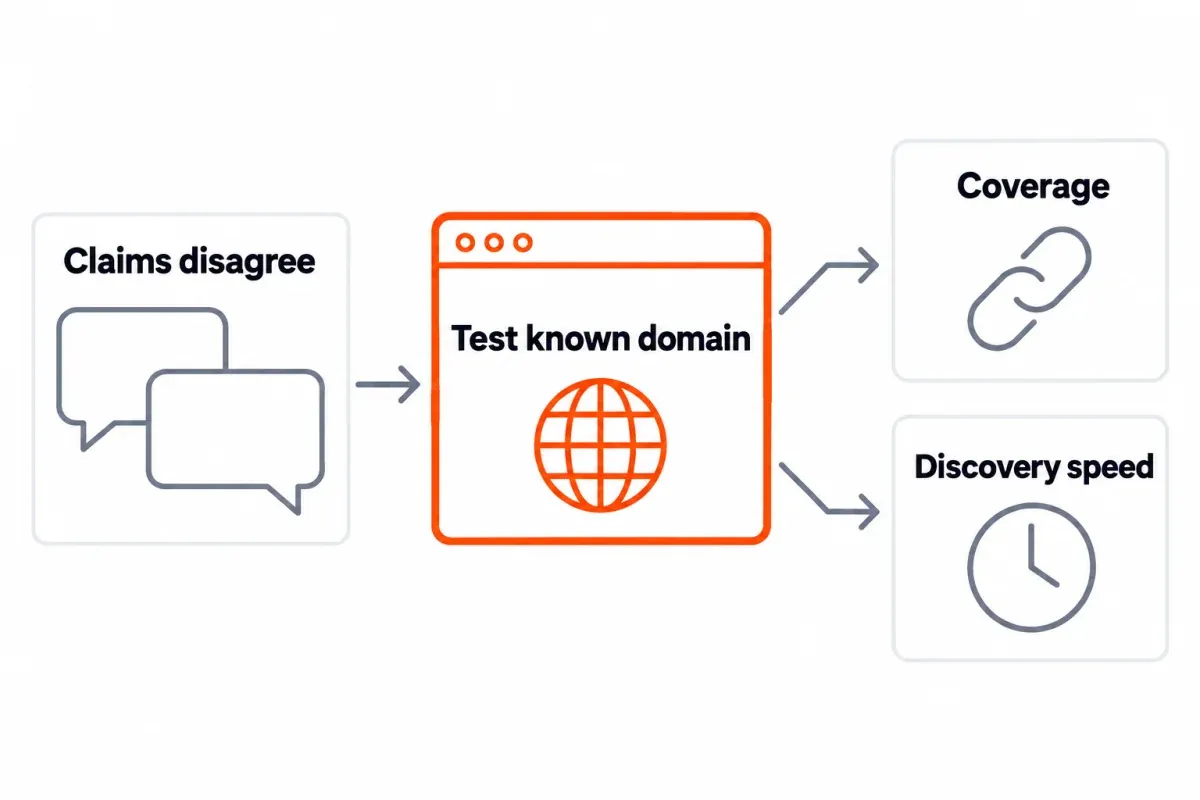
Checked directly: neither company's own pricing page states a current index size. Ahrefs' pricing page describes "10+ years of web-scale data" and calls its crawler "the world's second-most active crawler," with no specific link count. Both companies clearly maintain large, frequently updated backlink indexes. Neither publishes a number this guide can verify, so it won't repeat one as settled fact.
A better way to evaluate this than trusting a marketing-page superlative: check discovery speed and coverage on a domain you actually know well, using each tool's free trial or free tier, rather than comparing "trillions of links" claims that don't agree with each other in the first place.
How we picked and priced these
Every price below is checked directly against Ahrefs' and Moz's own current pricing pages, with monthly and annual figures labeled separately. Any claim this guide can't independently verify, like exact backlink-index size, is named as unverifiable rather than repeated as fact.
SEO Heatmap is our own product, mentioned only in the free, own-site-data context. It isn't positioned as a competitor to either paid platform.
Pricing side by side: monthly and annual, tier by tier
| Tier | Ahrefs (monthly) | Ahrefs (annual, effective) | Moz (monthly) | Moz (annual, effective) | Built for |
|---|---|---|---|---|---|
| Entry | $29 (Starter, monthly billing only) | Not offered | $49 (Starter) | $39 | Solo user, first SEO tool |
| Lite/Standard | $129 (Lite) | $108 | $99 (Standard) | $79 | Small team, ongoing tracking |
| Mid | $249 (Standard) | $208 | $179 (Medium) | $143 | Growing site or small agency |
| High | $449 (Advanced) | $374 | $299 (Large) | $239 | Multiple sites, larger teams |
| Enterprise | From $1,499 (annual commitment) | Same | Custom | Custom | Large agencies, custom needs |
The two usual entry points are Moz Starter at $49 a month and Ahrefs Lite, its cheapest ongoing plan, at $129 a month. Moz costs less than half as much. Below Lite there's a $29 Ahrefs Starter tier for exploring competitor data. It's a narrower product than the full toolset readers usually have in mind for an Ahrefs and Moz comparison.
Team costs diverge too. Ahrefs' Lite plan doesn't include additional users at all; Standard adds seats at $60 a month each. Moz builds more seats into its higher tiers directly (Medium and Large include multiple users), which matters if the actual buyer is a small team, not a solo user.1
What that price actually buys: keyword and content research
The one figure every source agrees on: Ahrefs' keyword database runs into the tens of billions of keywords, while Moz's sits in the low billions, a gap of more than 20 times based on self-reported figures repeated across multiple comparison sites. That size difference is the real justification for paying more for Ahrefs if keyword research at scale is the job.
For that price, Moz takes a different approach to the job. You get keyword difficulty scores alongside search-intent filters, with more guidance along the way. That can get you to a decision faster, without first sorting through so much raw data.
With Ahrefs, you're paying for more keywords to work from and finer control of the filters you apply yourself. Moz costs less and guides you toward a smaller shortlist more quickly, which may be the job you need done.
What that price actually buys: backlink research
The index-size figures above disagree, so I wouldn't use them here. How quickly do new links appear, and how far can you filter them? Those are things you can check, along with any included signal for spam or toxicity.
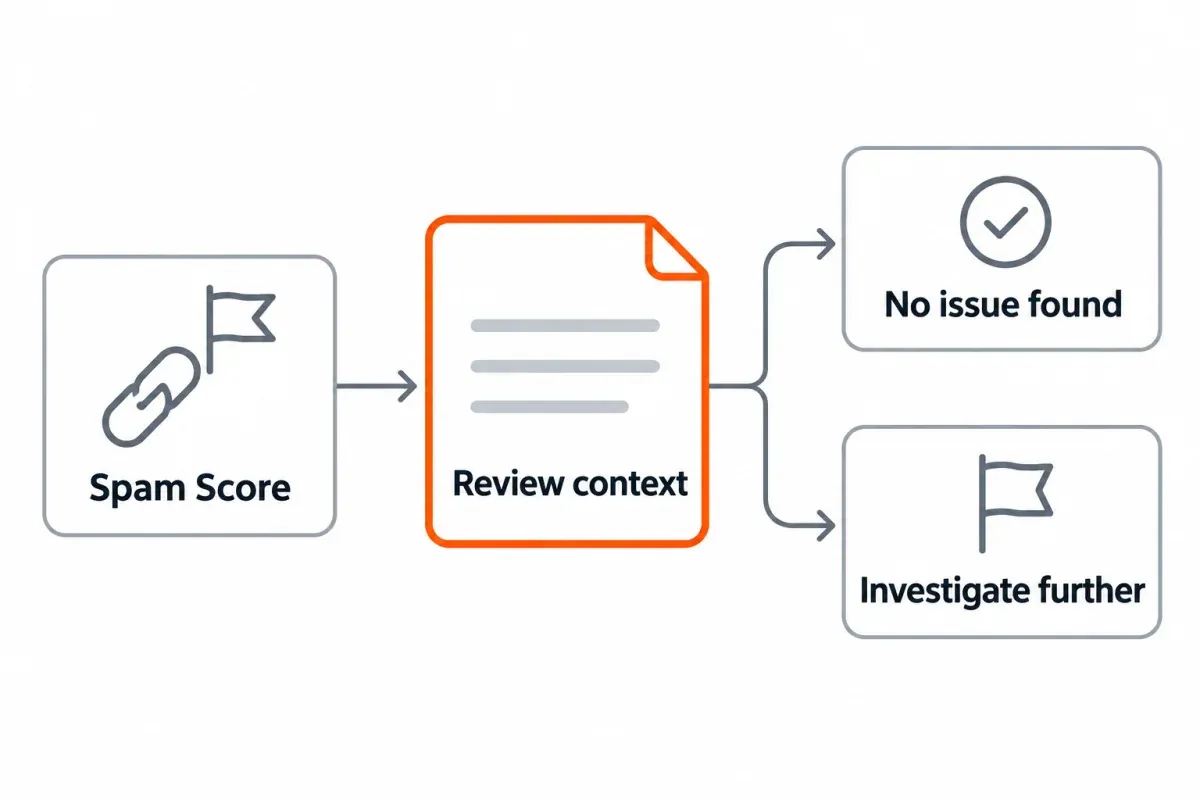
For judging potential link risk, Moz gives you the Spam Score report to flag possibly toxic links. You can check that feature yourself, and Ahrefs has no direct counterpart. That's a real value item on Moz's side of the ledger, not a consolation feature. For heavier competitor link research, most accounts favor Ahrefs' quicker discovery and finer filters. Discovery date, the anchor text and traffic to the referring domain are all available as filters. Moz's Help Hub says a high Spam Score alone does not establish that a site is spammy.2
What you get for technical audits
The two tools scale to different site sizes, and that difference tracks with price. With crawl allowances in the hundreds of thousands or millions of pages, depending on the tier, Ahrefs' Site Audit is built for large, complex sites. At that size, index bloat and orphan pages can become a substantial problem. It checks those along with redirect chains.
You can crawl roughly 3,000 pages on demand with Moz's Site Crawl. That doesn't take up your project slots. Instead of handing you raw data to interpret, it recommends fixes for each URL. Those include changes to title tags, headings and internal links.
A small crawl won't give you the full picture on a large or technically messy site. To see the whole problem, you need the capacity Ahrefs provides. I'd lean toward Moz's recommendations for usable output per dollar on a smaller site. That smaller crawl can also suit a team who'd rather have fixes suggested than spend time sorting through a spreadsheet.
What neither price includes: local SEO and your own Search Console data
Two things fall outside this whole pricing comparison: one is a feature only one tool offers, the other isn't something either tool is built to do.
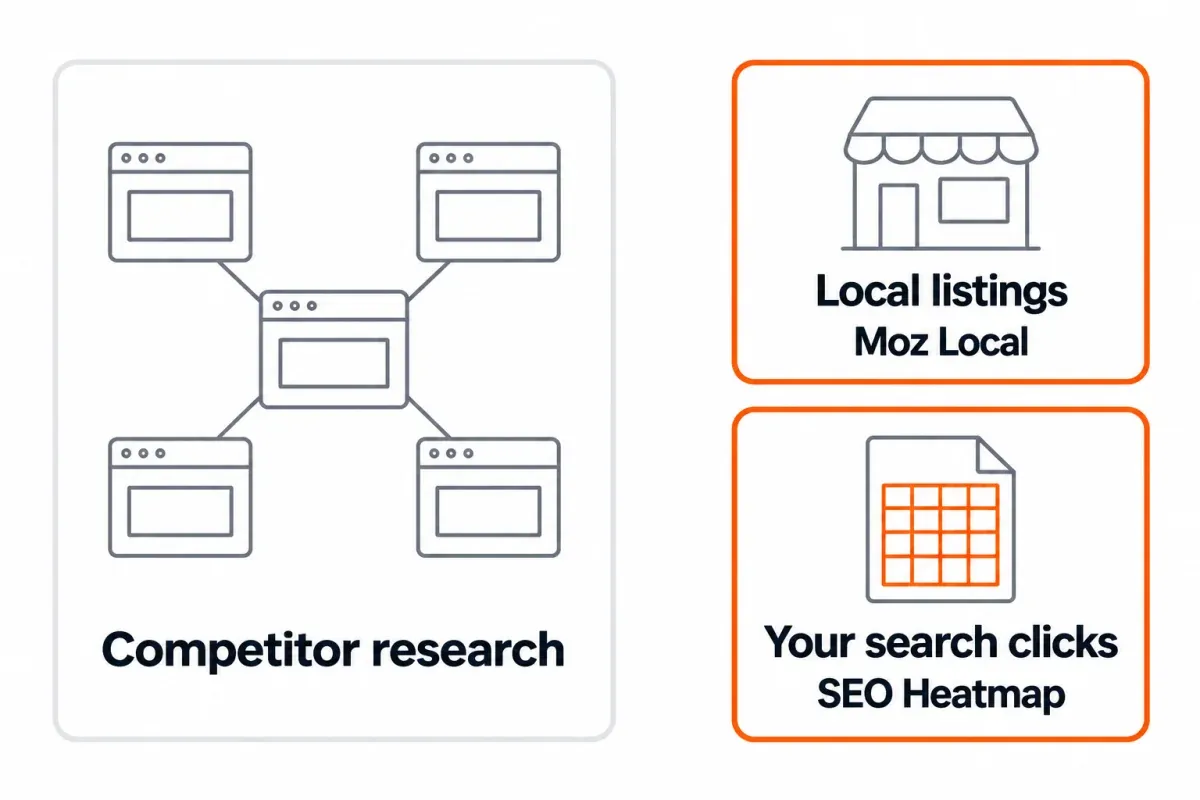
Moz Local is a dedicated product with no Ahrefs equivalent at any tier. Business listings and visibility in the local pack may be the job you need done. If so, that local SEO requirement can decide the choice before the rest of the pricing table matters.
Visualizing your own Google Search Console data isn't the main job of either product. Reading your site's existing search performance is its own task. It isn't the same as researching competitors or looking for keywords. Google Search Central says Search Console's performance report breaks traffic down by queries, pages, and countries.3
SEO Heatmap
Connect your site's existing Google Search Console data to SEO Heatmap and you can see it as a heatmap. The free tool makes trends across pages and queries visible over time.
Neither Ahrefs' nor Moz's pricing tiers include this. It solves a narrower, different problem (your own GSC data being hard to read) and costs nothing regardless of which paid tool you end up choosing.
The free-access gap: Moz's real trial vs. Ahrefs' verified-site-only option
This is part of the value comparison, not a footnote, because it changes the real cost of testing each tool before committing.
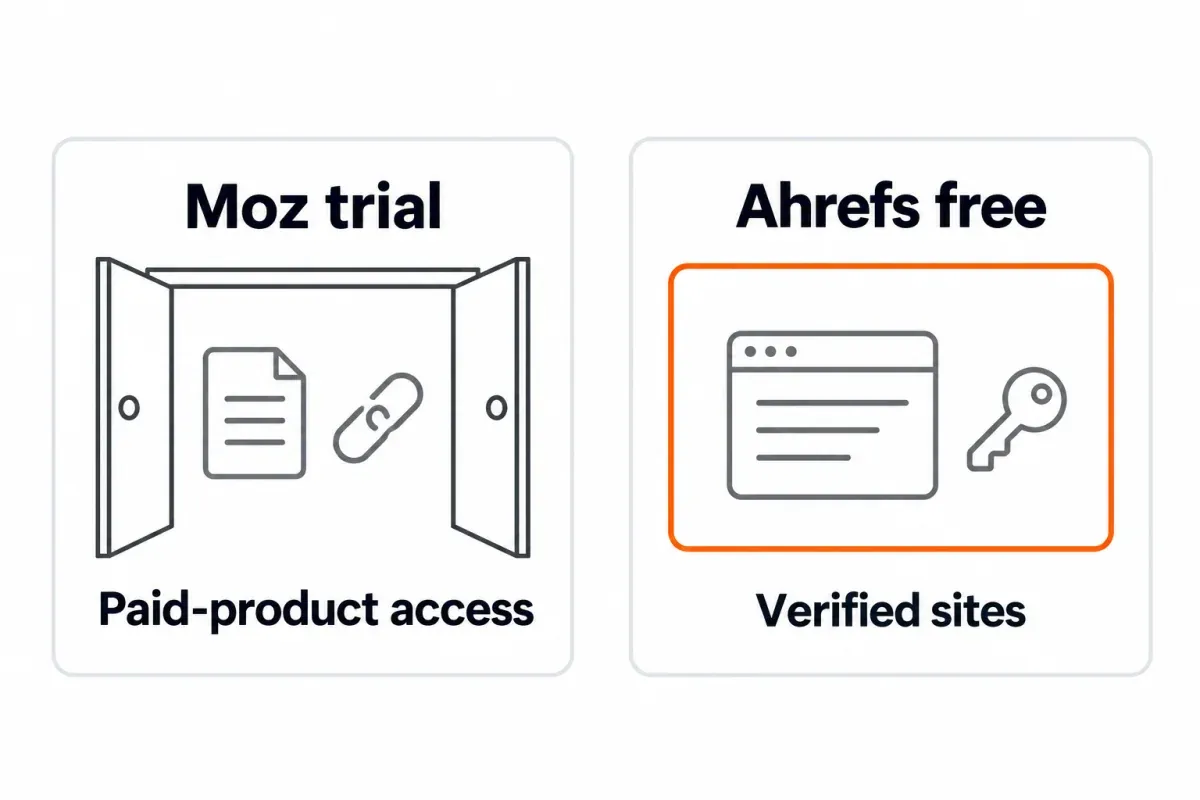
Moz offers a genuine multi-day free trial of its actual paid product. You can run real keyword research, check real backlink data, and see the real interface before a card gets charged for real.
Ahrefs offers no trial of its paid platform.4 Its only free option is Ahrefs Webmaster Tools, a separate, more limited product for verified site owners, covering that one site's backlinks and technical health, not a trial of Site Explorer or Keywords Explorer. Our free Ahrefs alternatives guide covers exactly what that free tool includes and what it doesn't.
In practice, testing Moz before paying costs nothing extra in time or risk. Testing Ahrefs' actual paid features means paying for at least one billing cycle first.5
Choosing what to pay for within your budget
Ahrefs' depth is worth considering for agency-scale competitor research, detailed backlink discovery or access to the largest keyword database. If your budget can cover it, there's checkable value in the higher price even without relying on disputed index sizes.
Moz may make more sense for solo work, a small team or a tight budget, especially if local SEO is involved. You get a smaller toolset at a lower price, with a genuine free trial that reduces the risk of trying it. Still too expensive? Our Moz alternatives guide looks at cheaper choices through the same questions about budget and the job you need done.
If the actual need is understanding your own site's Search Console performance rather than researching competitors, neither tool's price is the one to pay. That's solved for free, separately.
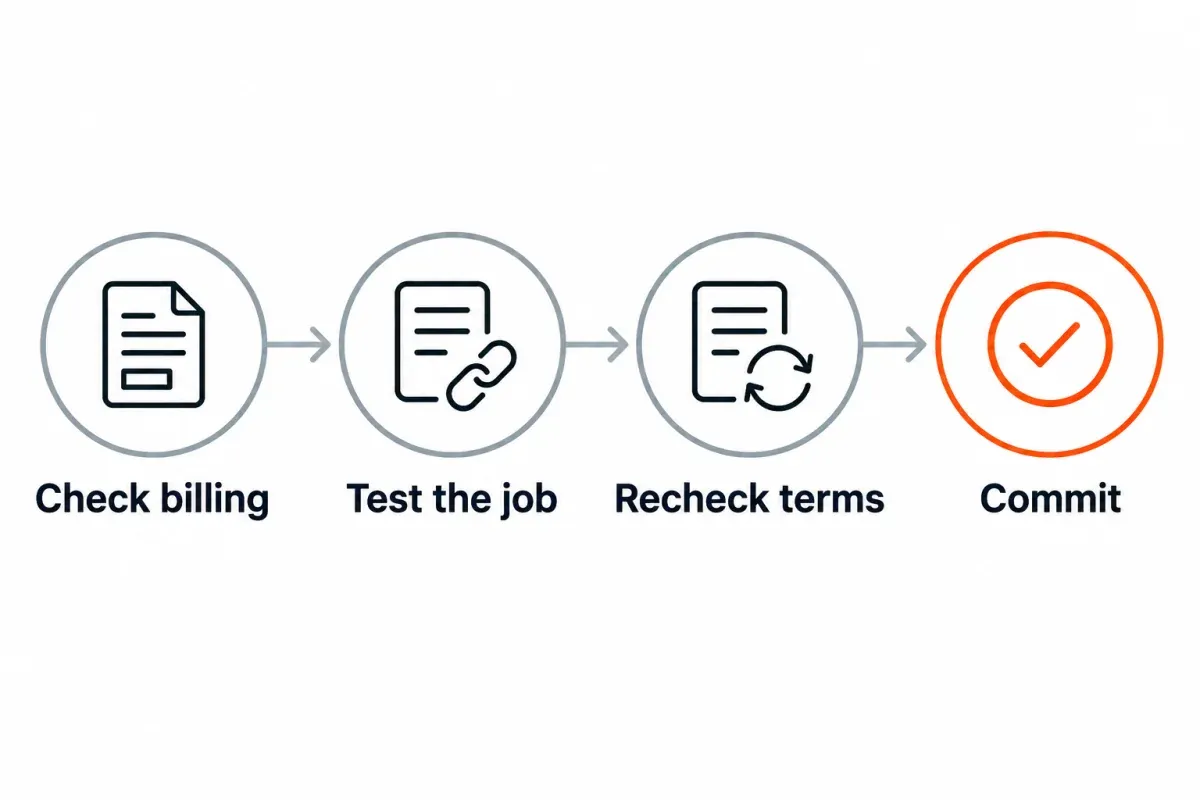
Before you commit to either plan: a quick checklist
Copy this before you pay for either tool:
- Confirm whether a quoted price is monthly or annual before comparing it across sources
- Run Moz's free trial before paying for either tool, since it's the only real trial available between the two
- Decide whether the job is competitor research (paid tool territory) or your own site's data (solved for free, separately)
- Re-verify current pricing directly against each vendor's own page before committing; every tier here can change
- Don't treat either company's backlink-index size claim as a settled fact; the sources researched for this piece contradict each other
Ahrefs or Moz: the short version
| Your situation | Pick |
|---|---|
| Tightest budget, still need real keyword and backlink data | Moz Starter |
| Agency-scale competitor research, largest keyword database | Ahrefs Lite or above |
| Local SEO is part of the job | Moz, for Moz Local |
| Want to test the real paid product before spending anything | Moz's free trial |
| Only need your own site's Search Console data | SEO Heatmap, free |
The right answer is rarely "the objectively better tool." It's the one whose price matches the job you're actually paying it to do.
If your own site's Search Console data is the piece you're missing from either tool, SEO Heatmap covers that for free, no matter which paid platform you end up choosing.
Frequently asked questions
Which is better for my SEO work, Ahrefs or Moz?
The answer changes with the job and what you can spend. For an agency doing competitor research or digging deeply into keywords, Ahrefs' much larger keyword database is a reason to choose it. Moz is easier to justify for solo users and small teams looking for a lower price. Its real free trial and guided recommendations also help if you don't want to interpret raw data yourself.
What would I pay for Ahrefs compared with Moz?
Moz starts at $49 a month, or an effective $39 with annual payment. Ahrefs Lite, the comparable ongoing plan, is $129 a month or an effective $108 when paid annually. You can start below Lite with Ahrefs' $29 Starter tier. It's for exploring competitor data, with less of the platform included. Make sure both prices use the same billing cycle. Some comparison articles quietly put an annual rate next to a monthly one.
Does Moz or Ahrefs offer a free trial?
Moz does, a genuine multi-day trial of its actual paid product. Ahrefs doesn't offer a trial of its paid platform at all. Its only free option is Ahrefs Webmaster Tools, a separate, more limited product for verified site owners that covers one site's backlinks and technical health, not the full Site Explorer or Keywords Explorer.
Which backlink index is bigger, Ahrefs or Moz?
There's no reliable answer to this from public sources right now. Two comparison sites researched for this guide each cite a specific "trillion links" figure, but they attribute the same number to different companies, and neither company's own pricing page states a current index size. I'd leave specific index-size figures unverified unless you can check them.
Do Domain Authority and Domain Rating mean the same thing?
No. A shared range of roughly zero to 100 doesn't make them equivalent. You can't compare the scores directly. Moz predicts ranking potential in Domain Authority by looking at link quality along with spam signals. Ahrefs uses referring domains to measure backlink profile strength in Domain Rating. Don't swap DA and DR numbers as if they meant the same thing. A single site can get very different scores from the two scales.
Could Moz handle local SEO work that Ahrefs doesn't?
Yes. Local work is a clear reason to choose Moz even before considering the price. For business listings and local pack visibility, Moz has a separate product, Moz Local. Ahrefs doesn't have a counterpart on any tier. Needing that local SEO work may be enough to make the decision.
When should I move from Moz to Ahrefs or from Ahrefs to Moz?
Look at what's getting in your way right now. If Moz's keyword database is holding you back, consider Ahrefs. It also makes sense when you need deeper competitor backlink research at scale. I'd look toward Moz if Ahrefs costs too much, if you want to try the paid product free before committing, or if local SEO is now part of your work. Run the other tool's free trial or lowest tier before committing to a switch either way.
Can Google Search Console replace either tool?
Only for your own site, not for competitor research. Search Console gives a verified site owner real click, impression, and query data for free, with no cap, but it can't research a competitor's keywords or backlinks, which is the core job of both Ahrefs and Moz. If your Search Console data itself is hard to read, that's a separate, free problem to solve.
If you're paying for Ahrefs or Moz and still squinting at Search Console's native charts to understand your own site's trends, SEO Heatmap fixes that part for free. Give it a try. It's free.
Sources (5)
SEO Heatmap Knowledge relies on primary sources: Google's documentation, web standards, peer-reviewed research, and vendors' own pages for their pricing and features. Our editorial standards
- Moz. “Moz Pro Pricing.”
- Moz. “Spam Score Checker: What is Spam Score?”
- Google Search Central. “Get started with Search Console.”
- Ahrefs. “Do you offer any discounts or free trials?”
- Ahrefs. “Plans & pricing.”

